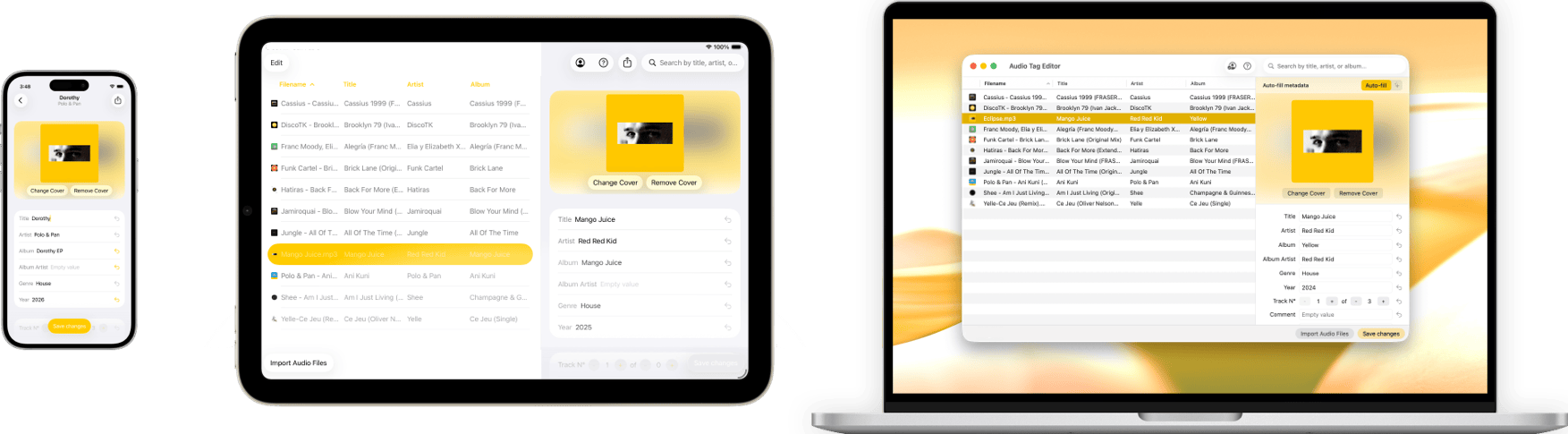
Optimized for all Apple devices. Available on iPhone, iPad and Mac.
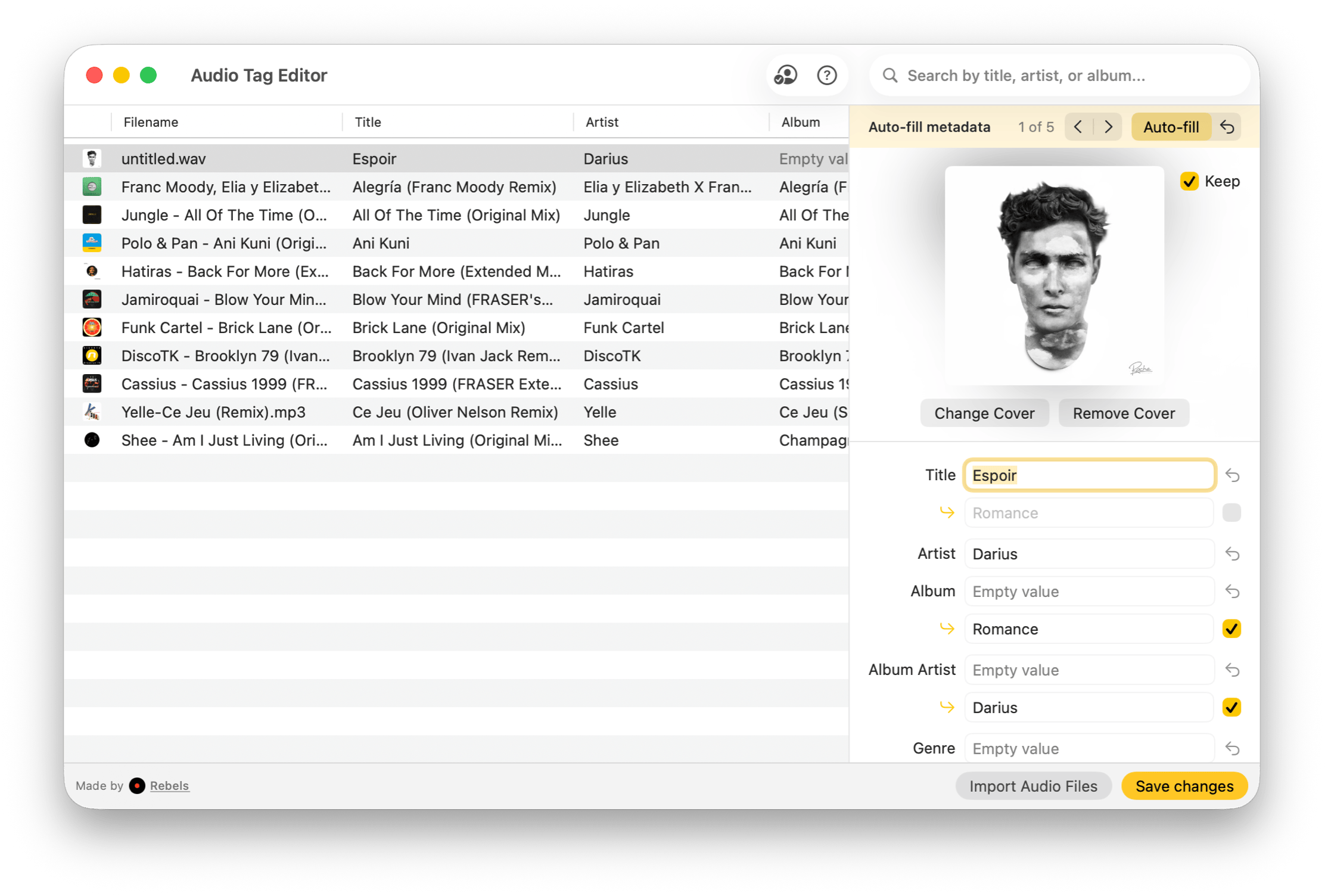
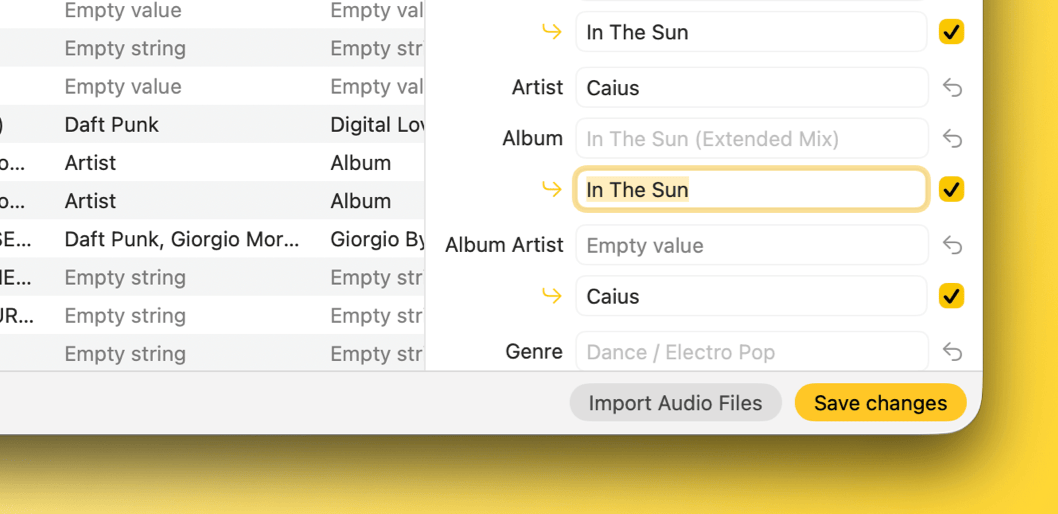
Auto-fill, in one-click.
Autocomplete your audio tags and artwork, powered by our reliable sources.
Tags & Artwork
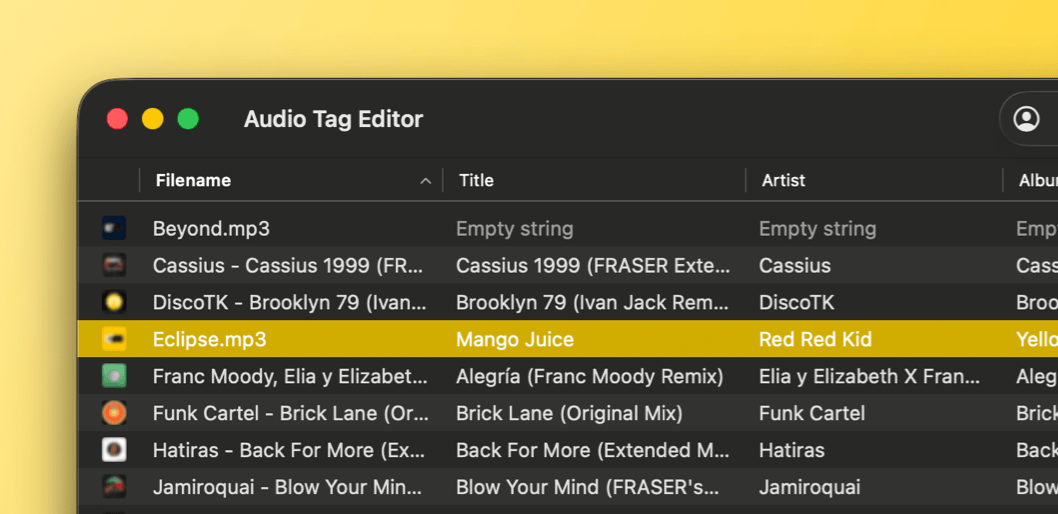
Edit your track's title, artist, album, and other metadata in a single view. Add, replace, or remove album artwork to keep your music library visually organized.
Any Format
Update major audio files formats, MP3, MP4, FLAC, WAV, AIFF, OGG, and more. Tag existing tracks or freshly created ones without worrying about format-specific quirks.
Truly Offline.
Local by design means privacy first. No cloud analysis, no AI learning, just your work staying yours.
2026 Update
How we stack up
See how Audio Tag Editor compares to the most popular alternatives.
Audio Tag Editor
Mp3tag
Meta
Tag Editor 2
Evertag
Pricing & Ecosystem
One-Time Purchase
Buy once, use forever. No subscription, no upsells
$6.99
$24.99
$22.99
$39.99 lifetime
$24.99 lifetime
One Purchase, All Platforms
Mac, iPhone & iPad covered by a single purchase
–
–
–
–
Platform Availability
Mac
Apple Silicon only
iPhone
–
–
–
iPad
–
–
–
Apple Vision Pro
iPad compatible mode
–
–
–
–
Format Compatibility
MP3
FLAC
WAV
MP4 / M4A
OGG / Vorbis
–
AIFF
OPUS
–
APE / Monkey's Audio
–
–
–
DSD (DSF / DSDIFF)
High-res audio from SACD rips
DSF only
–
–
WavPack
–
–
Core Editing Features
Batch Track Editing
Mac, iPhone & iPad
Mac only
Mac only
Mac only
Mac, iPhone & iPad
Core Tag Fields
Title, Artist, Album, Genre, Year
Composer
BPM
Lyrics
Cover Art Editing
Auto Metadata Lookup
Fill tags automatically from online music databases
20 lookups/day (free)
Frequently Asked Questions
Everything you need to know.
Which audio formats are supported?
Audio Tag Editor supports all major formats: MP3, FLAC, WAV, MP4/M4A, OGG, AIFF, OPUS, APE, DSD (DSF/DSDIFF), WavPack, and more. If you have a file, chances are it's covered.
Does it work on iPhone and iPad, or only on Mac?
It works on Mac, iPhone, and iPad, all from a single $6.99 purchase. There's also an Apple Vision Pro compatible mode. You edit on whichever device is in your hands.
Does it need an internet connection?
No. All tag editing is fully offline. The only feature that requires internet is the auto-fill metadata lookup, which fetches track info from online music databases.
Can I edit multiple files at once?
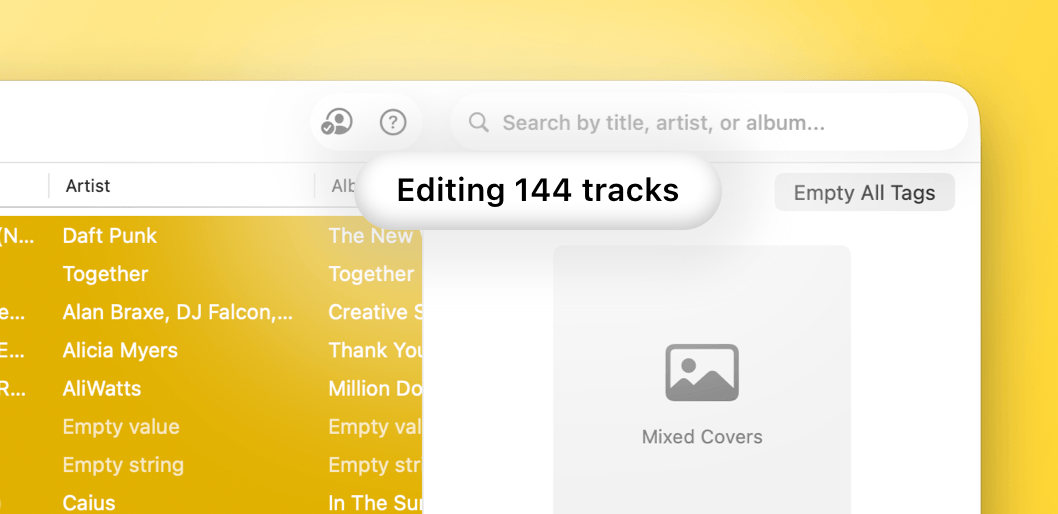
Yes. Batch editing lets you update a shared field (like album name or genre) across any number of selected tracks in one go.
How does the auto-fill feature work?
Tap the auto-fill button on any track and the app searches our music databases to populate artwork, title, artist, album, genre, year, and more. You review the results before anything is saved.
Is this a subscription?
No. It's a one-time purchase with no recurring fees, no in-app purchases, and no free tier with locked features. Pay once and get everything.